
Requirements and constraints
Which machines the tool must run on, who installs it, what the operator does with it every shift. The brief is short on purpose.
Studio
Raveschoot 22, 9080 Lochristi, Belgium +32 9 379 36 08 [email protected] Monday to Friday, 9:00 AM – 6:00 PM
Desktop Applications
Half of what NEXORA Industrial Solutions ships is not a game. Cross-platform software, Windows services, and custom tools built for regional businesses and industrial workflows.
The pipeline
Which machines the tool must run on, who installs it, what the operator does with it every shift. The brief is short on purpose.
Supporting Windows, macOS, and Linux is easier when it is a constraint on day one and nearly impossible to bolt on at the end. So we treat cross-platform as a design input: which parts of the codebase touch the operating system, where file paths and permissions differ, and how the interface behaves when the same window runs on three window managers.
Some software has no interface at all. A Windows service runs in the background, watches a folder, talks to a database, or syncs data between systems, and its quality is measured in uptime rather than in how it looks. Writing one properly means handling restarts, logging clearly enough that a failure can be diagnosed from the log alone, and failing in a way that does not take the rest of the machine with it. We build services a system administrator can install, configure, and restart without calling us.
Software that cannot be updated is software with an expiry date. We plan the deployment path before the first release: how the application gets installed, how it is configured on a new machine, and how a new version reaches existing installations without a support call per user. For internal tools, that often means a packaged installer and a documented update procedure. For services, a restart path that does not interrupt anything important. The build is not the deliverable. The maintainable build is.
Cross-platform claims are cheap; testing them is not. We verify software on actual target machines rather than on a development box with an emulation layer, because the differences show up in exactly the places nobody tests: font rendering, file dialogs, permission prompts, and how the application behaves on a slower disk. A small matrix of real machines catches problems early for far less cost than a support incident after rollout.
Most desktop software problems are file problems. Where files live, who can read them, what happens when a network share disappears mid-write, and how the app recovers from a file that is half-written. These cases are unglamorous and they are where support tickets come from. We handle them explicitly: atomic writes, clear ownership of the working directory, and a recovery path that does not require the user to understand what went wrong. The visible feature is the easy part.
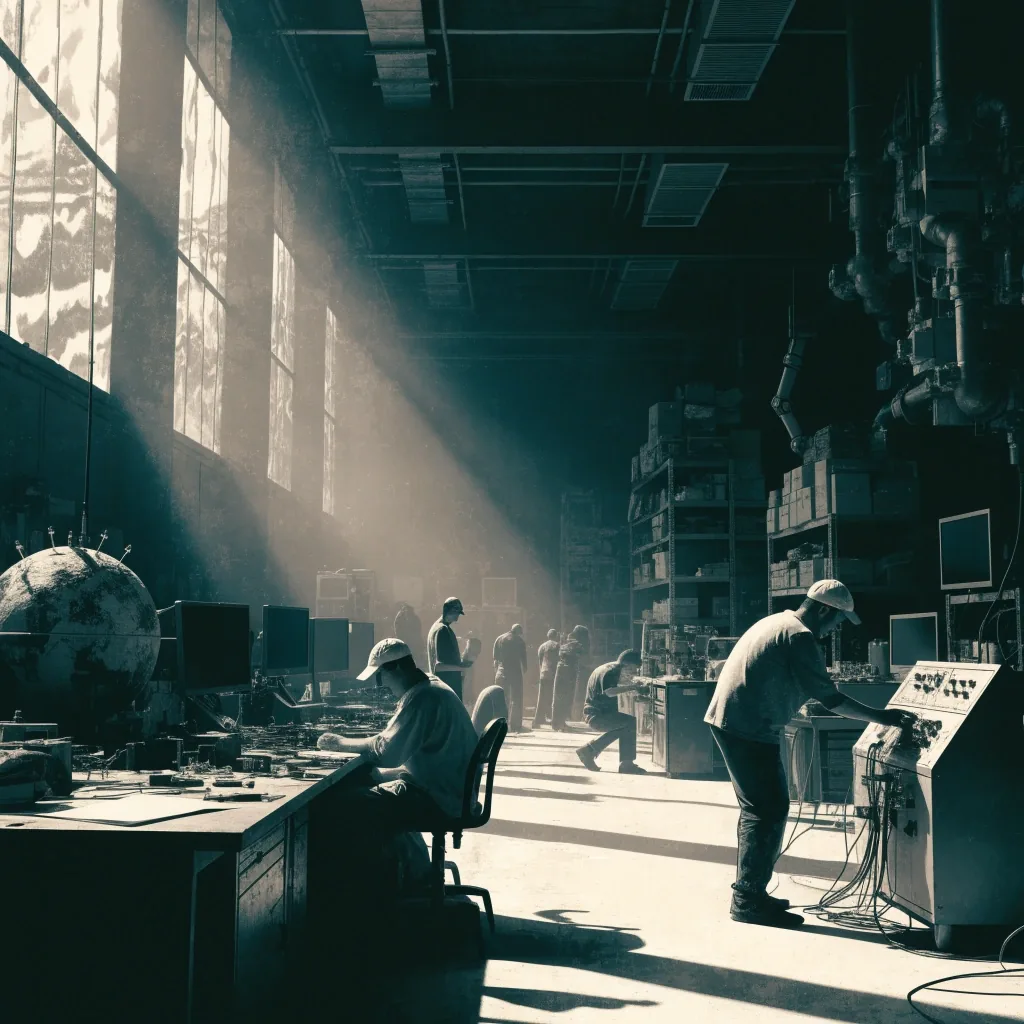
Assembly bench, Lochristi, 08:00 north light — the keyboard the operator actually types on
The running release train
Every project runs through the same six stages and reports on the same ledger. Below is where the work stands across the three desktop targets and the studio's background services.
Specimen ledger
Not every company needs a product; some need a specific tool for a specific job. Inventory tracking for a small warehouse. A scheduler that respects how a workshop actually assigns work. Enterprise tools designed around the deployment reality, not around the development machine, because that is where most internal software fails.
Custom software
Chinese services
Enterprise tooling
Industrial workflows
Industrial software has a particular quality bar: it runs on a machine that is doing something else important, and the person at that terminal may be wearing gloves. Large hit targets, clear state indication, no dependency on a precise mouse gesture, and a fail-safe path that tells the operator in plain language what happened and what to do next.
Shipping record
A small matrix of real machines catches problems early for far less cost than a support incident after rollout. We would rather spend a day on a test machine than a week on a bug report we cannot reproduce.
For regional businesses and industrial workflows, the desktop application is only half of it. The other half is what happens at 06:00 on a Monday when the update lands.
Packaged installer per target
Windows MSI, macOS signed bundle, Linux package for the distro the client runs
Documented update procedure
Written for the system administrator who owns the machine, not for us
Restart path for background services
Restarts do not interrupt anything the operator is watching on screen
Recovery path for half-written files
Atomic writes, clear ownership of the working directory, plain-language message
Next step
Tell us the operating systems, the machines, and the people who will use the tool. Write to [email protected] or find the studio at Raveschoot 22, 9080 Lochristi, Belgium — Monday to Friday, 9:00 to 18:00.