

Five tool objects — an engine gear, a marketplace tag, a store shelf edge-on, a wrench and torque bar, and an open book — standing in a row on a workshop board under cool north light

Tools & Marketplaces

Engines, middleware and channels, weighed honestly

Every production runs on tools chosen before the work gets hard, which is why the choice deserves more than a passing look. This page covers the engines, middleware and distribution channels NEXORA Industrial Solutions evaluates on projects — and the trade-offs each one brings.

How the choice gets made

Six questions, asked in the same order every time

Order of evaluation

Jump to any stage below, or read them in the order the plates pin.

Open source

Open-source engines and what they buy you

An open-source engine such as Godot offers 2D and 3D support, a lightweight workflow, and source code you can read and modify. For a lean team that combination is genuinely valuable: when something behaves unexpectedly you can look at the code rather than wait on a vendor, and the community-driven model moves at a pace its users set. It is popular with indie developers and experimental teams for good reasons. The trade-off: some commercial middleware and console pipelines are not built for it, so the engine choice narrows the rest of the toolchain.
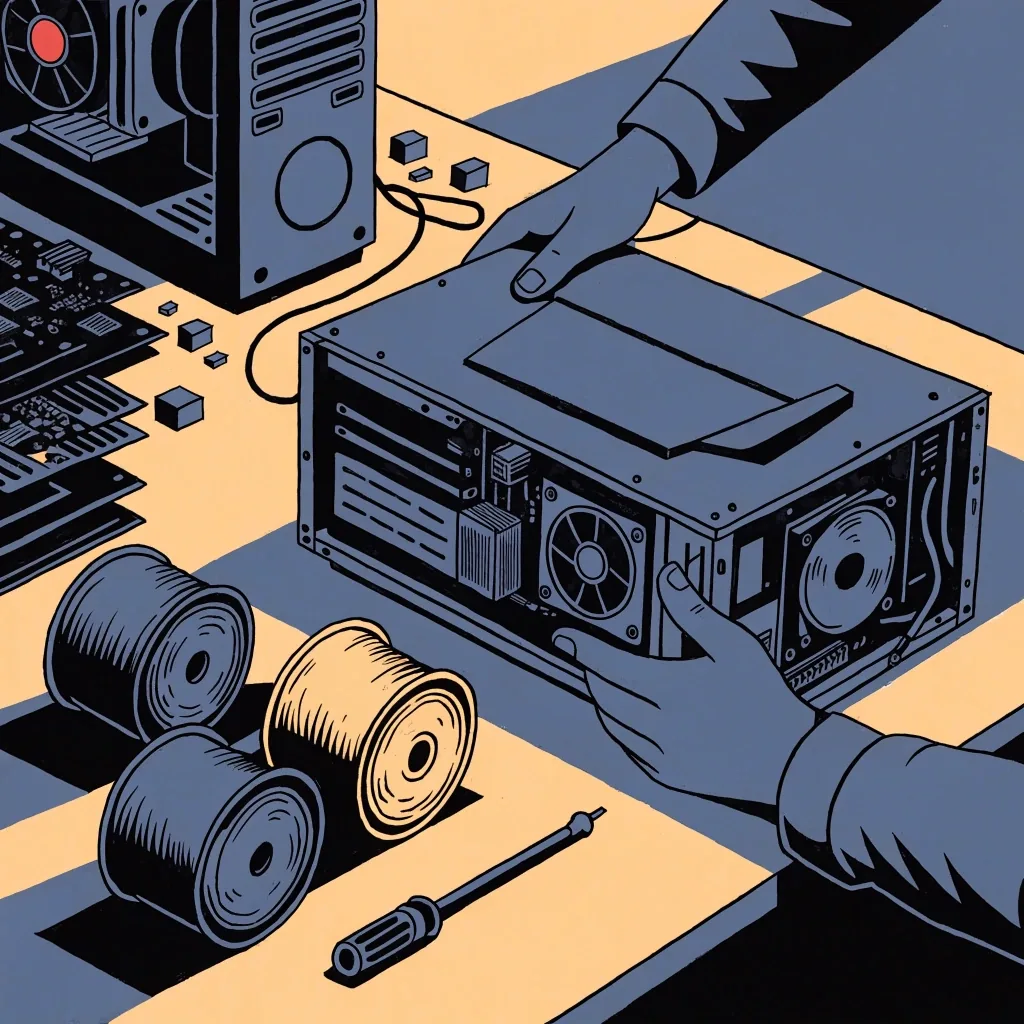
Commercial

Commercial engines and middleware libraries

Commercial engines bring a different set of advantages: large middleware ecosystems, established console support, and a hiring pool that already knows the tool. If a project's target list includes consoles, or its scope calls for third-party systems for physics, audio or networking, the commercial route often saves time. The cost is a dependency — licensing terms, version upgrades that arrive on someone else's schedule, and less freedom to change the engine's internals. Neither route is automatically correct. The right answer depends on the project's target list, team and how much control it needs.

Prototypes

Prototyping tools and game jams

A game jam is a cheap way to find out whether a tool is pleasant to work in. Twenty people building small games in an unfamiliar engine over a weekend will surface more friction than a month of evaluation documents. We use short prototypes the same way, and we are willing to prototype in an engine we do not intend to ship in, because the point is to learn the workflow rather than to commit. itch.io is a practical home for the results: it supports browser-based and downloadable projects and is a common first stop for prototypes and small commercial releases.

Browser

Browser game platforms and instant-play distribution

Browser games reach an audience that will never install a client. CrazyGames, based in Leuven, operates one of the largest browser-game platforms globally and appears in Belgian industry directories as a major player. That reach is a real advantage for the right kind of game, particularly ones with short sessions and simple input. The constraints are equally real — download size, input methods and monetisation expectations all shape what works on a web platform. We treat browser distribution as a design decision rather than a fallback, because a game built for instant play is a different game from one built for a download.

Indie stores

Indie marketplaces and their audiences

itch.io is a popular marketplace for indie and experimental games, and it matters to solo developers and tiny studios for a simple reason: the barrier to publishing is low and the audience is primed for unfinished or unusual work. That makes it a good home for game jam entries, prototypes and small commercial releases that do not need a large storefront's machinery. It is not a substitute for a major PC storefront when a project needs scale, and it is not meant to be. The two serve different stages of a project's life, and most teams use both at different points.

Storefronts — currently running

Storefronts and release channels

A PC storefront is not just a shop; it is a set of expectations around page assets, review timing, wishlist behaviour and update cadence. Preparing a release means meeting those expectations whether or not the team agrees with them. We plan storefront work into the schedule and treat the page as a living artefact revised alongside the build. Splitting a release across two channels is workable, but doing it with one set of assets usually is not: each channel has its own art specs and its own audience assumptions, and they rarely line up.

A macro view of a mechanical keyboard's staggered keycap edges with a coiled cable crossing the desk, lit from the upper left

The keyboard, close enough to see every cap profile — the studio's most-used tool, and the one nobody writes a comparison for.

What the studio runs

The tools on the bench, and what each one is for

Every entry below is a tool we have actually opened on a NEXORA project. The status line is where it sits in the current work — nothing here is a plan, an intention, or a checklist. Where a tool has been retired, it says so.

Studio tooling ledger

Updated 2026

  • Godot — production engine for the current 2D prototype
  • A commercial engine — under evaluation for a console-targeted project
  • Audio middleware — in use across shipped titles
  • Physics integration — kept in-house so we can patch it
  • itch.io — home for prototypes and jam builds
  • Major PC storefront — used for full commercial releases
  • Browser platform — tried once, parked for now

Windows

The primary desktop target. Signed builds, an installer, and a plain directory form for the portable release.

macOS

Handled as its own platform rather than a port. Notarisation and Gatekeeper are part of the release checklist, not a surprise after it.

Linux

Treated as a first-class build where the audience justifies it. Packages are tested against current distributions at release time.

Specimen ledger

What the studio reaches for, and for which job

Three columns, each one a register rather than a ranking. The engine column is where a project starts; the middleware column is what gets bolted onto it; the channel column is where the finished thing goes.

Engines we have opened

  • Godot — open source, 2D and 3D First pick
  • A commercial engine — console-first projects Case by case
  • In-house — small desktop utilities When it fits

Middleware we bolt on

  • Audio — spatial mixing and adaptive cues In use
  • Physics — patched in-house where the middleware is opaque Kept close
  • Networking — only when the game design calls for it On demand

Channels we publish through

  • itch.io — jam entries, prototypes, small releases First stop
  • Major PC storefront — a full commercial release Per project
  • Browser platform — short sessions, instant play Design choice

The part that outlives the tool

Choosing per project, not per preference

The most common tooling mistake is a studio applying its last project's stack to the next one out of habit. We make the choice per project and write down the reasoning, including what we rejected and why.

That record is what makes it possible to revisit the decision later with evidence rather than nostalgia, and it is what lets a new person on the project understand why the codebase looks the way it does. Tools change. The record of why you chose them is the part that holds up.

How the record is written

  1. The target list first

    Consoles, desktop, browser, or more than one. This one line removes half the candidates before anything else gets discussed.

  2. Then the team's own experience

    An engine nobody on the project has shipped in is a training cost, however good its documentation looks.

  3. Then the exit route

    If the middleware locks us in, the decision changes. We write down what it would take to leave before we sign up.

  4. Finally, the rejected options

    The one-line reason each was set aside is the note a future team reads first, and the one that saves the next evaluation from repeating itself.

Bring the question

Tell us the project and we will say which tools fit

A short conversation about the target list, the team and the release channel usually saves weeks of tool evaluation. Write to the studio with the shape of what you are building, and we will answer with a plain recommendation — including what we would avoid and why.

Reach the studio

Address
Raveschoot 22, 9080 Lochristi, Belgium
Hours
Monday to Friday, 9:00 AM – 6:00 PM