
Work process

From first concept to a supported release

This page describes how NEXORA Industrial Solutions runs a project end to end: what happens at each stage, what you get out of it, and where a project can stop without wasting the work already done. The process is the same whether the deliverable is a game or a desktop application.

The stages

How a project progresses

01

Starting with the problem, not the solution

The first conversations are about what the software has to do and who will use it, not about features. A workshop tool and a simulation game pose different questions, but the opening move is the same: describe the job the thing performs and what happens today without it. From there we can talk about scope in terms of outcomes. Clients who arrive with a fixed feature list tend to get a better result when we work backwards from the job and check the list against it. Sometimes the list survives intact. Often it doesn't.
02

Concepting and the paper stage

Concepting is where the shape gets decided: what the user does first, what the core loop is, and what a successful session looks like. On the game side that might be a page of sketches and a paragraph describing the moment-to-moment play. On the software side it's usually a short workflow description and a handful of rough screens. This stage produces something you can react to, which is the point. A concept nobody has disagreed with yet is a concept that hasn't been tested, and disagreements cost far less now than they do after production starts.

03

Prototyping and the first runnable build

A prototype answers one question with a build. We keep it narrow on purpose: one mechanic, one workflow, or one integration, with rough edges left visible. What matters is that it runs, so the question is tested against behaviour rather than description. Many projects change direction here, and that's the intended outcome. A prototype phase that confirms everything was planned correctly is suspicious; if nothing surprised the team, the prototype probably wasn't testing much. The deliverable at the end is a runnable build, plus a decision about whether to continue.

04

Planning production and setting milestones

Once a direction is settled, the work moves into a plan with milestones. Each milestone ends in something demonstrable: a playable build, a working service, or a tool that performs its job on real data. That structure exists so progress can be judged by what runs rather than by how many tasks are marked complete. Timelines get estimated in ranges, not single dates, because the honest answer to "when will it be done" is always a range until the unknowns are resolved. What we commit to is the milestone, not a calendar promise made before the work was understood.

05

Production: building, testing, iterating

Production is the longest stage and the least dramatic. Systems get built, tested, and rebuilt as the project reveals its own gaps. We keep a build running at all times, automate the checks that would otherwise be forgotten, and revise scope when the evidence says to. On collaborative projects, this is also where the reporting rhythm settles: what changed, what's blocked, and what needs a decision. The goal is that nobody has to ask how the project is going, because the answer is visible in the build and the notes around it.

06

Release preparation

Release work starts well before the release date. That includes storefront pages, installer packages, deployment documentation, and the support material a first set of users will actually need. On the software side it's the install and update path. On the game side it's the store page, the trailer, and the review build. None of it is exciting, and all of it falls due at the same moment if it's left to the end. We schedule it as a stage with its own milestone so it gets the same attention as the code.

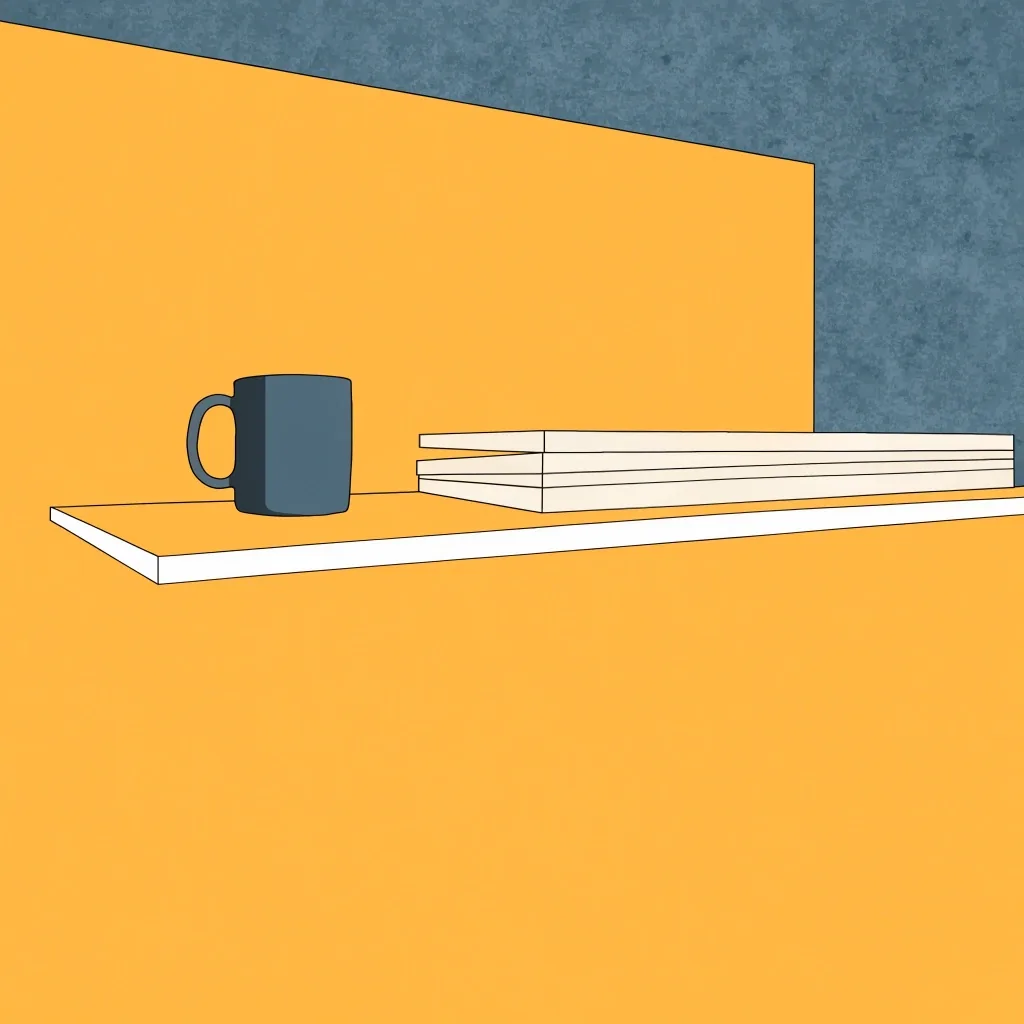
A studio workbench at eight in the morning — index cards, a marker and a foam-board edge under cool north light

Prototyping happens on paper before it happens on a screen — the rough edges stay visible on purpose.

After the release

Post-release support and patches

The weeks after a release are when the most useful information arrives. A project without a patch plan will struggle to act on it, so we plan at least one post-release cycle from the start: a known-issues list, a build process able to produce a patch quickly, and a clear channel where users can report problems. CodeMatic's emphasis on maintainable, secure software across Windows services and enterprise tooling reflects the same idea from the other side of the market. Software is a commitment, not a handover. If it's going to be used, it needs someone able to answer it.

Post-release cycle

  • Known-issues list opened on day one

    Reports grouped by how much they hold back a real user's work, so the loudest complaint isn't automatically the first fix.

  • A build process that can produce a patch quickly

    The same pipeline that produced the release produces the patch, so a fix doesn't wait on a rebuild from scratch.

  • A clear channel where users report problems

    One route in, documented for the client's own team, so issues don't get lost across four different inboxes.

  • A written summary before the cycle closes

    What was fixed, what was deferred and why — so the next release starts from a decision, not a blank page.

Post-release, and stopping well

When a project stops early

Not every project reaches release, and stopping well is a skill. Because each phase ends in something runnable, a project that stops at the prototype stage still leaves a working artefact and a documented answer about why it stopped. That's worth more than a folder of design documents. We'd rather end a project cleanly at a milestone than let it drift into a state where nobody can say what's finished and what isn't. If a direction isn't working, the honest move is to say so while the decision is still cheap.

What a stop actually leaves you

  • A runnable build you can show, demo or hand to another team.
  • A written note on what was tested and what the evidence said.
  • A clean milestone boundary — nothing half-finished that nobody can close.

Why it beats a document folder

  • Specs age — a build keeps behaving the way it behaved on the last day of work.
  • A future team can read what already ran, instead of guessing what was meant.
  • The decision to stop is documented alongside the reason, so it isn't relitigated.

When we'd call it

  • The prototype answered its question and the answer doesn't support the next stage.
  • The problem the project was solving has changed while the work was running.
  • The honest scope has grown past what the budget and the calendar can carry.

Where to next

If you'd like to walk a live project through this sequence, we can do that on a call.

Contact the studio

Working together

A rhythm you can check, not a promise you can't

Every stage in this process ends in something you can look at. If at any point it isn't clear what state the work is in, that's a problem we want to hear about early.

  • First A conversation about the job the software performs, before features.
  • Then Concept and paper work you can react to and disagree with cheaply.
  • Next A prototype build that answers one question with behaviour, not description.
  • After Milestones with demonstrable builds, and reporting that runs with the build.
  • Later Release preparation scheduled as its own stage, not tacked onto the end.
  • After that At least one post-release cycle with a patch path, then a written summary.